Aurnis

Early access

Everyone pays once. Nobody chases the rent.

Aurnis adds up the rent and bills in your home and gives each person one amount to pay. Chores and shopping live here too.

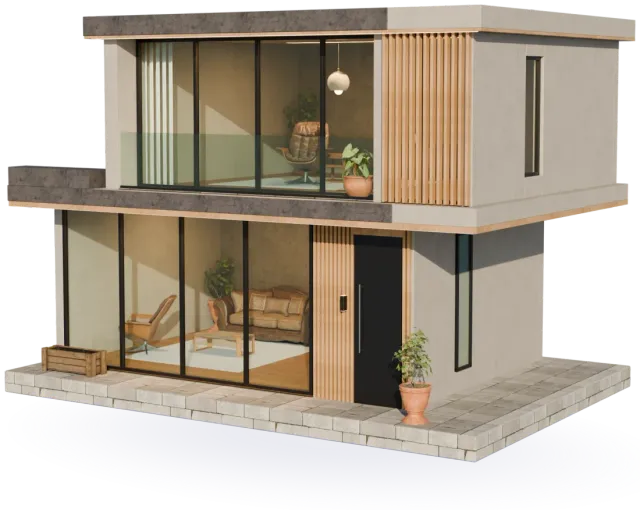
A two-storey house in the evening, the windows lit

Rent day, the usual way

A spreadsheet one person keeps

Everyone else wonders if last month’s numbers quietly changed.

A chat where the bill scrolls away

Who paid the electricity? Whose week is it for the bins? It is somewhere above.

Five payments, none quite right

Every bill becomes a small debt between two people, and you settle each one on its own.

How a month works

Set it up once. After that, every month looks like this.

  1. Add your bills once

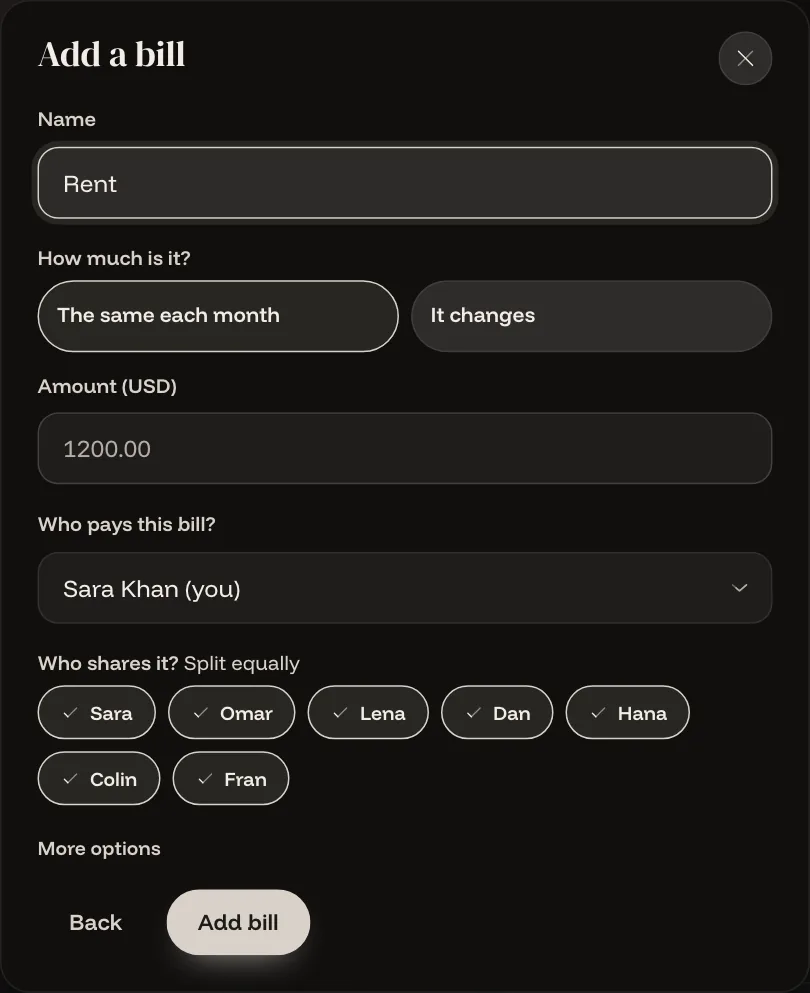
    Rent, internet, electricity, anything that repeats. Say who pays each bill and who shares it. Aurnis opens every new month for you.

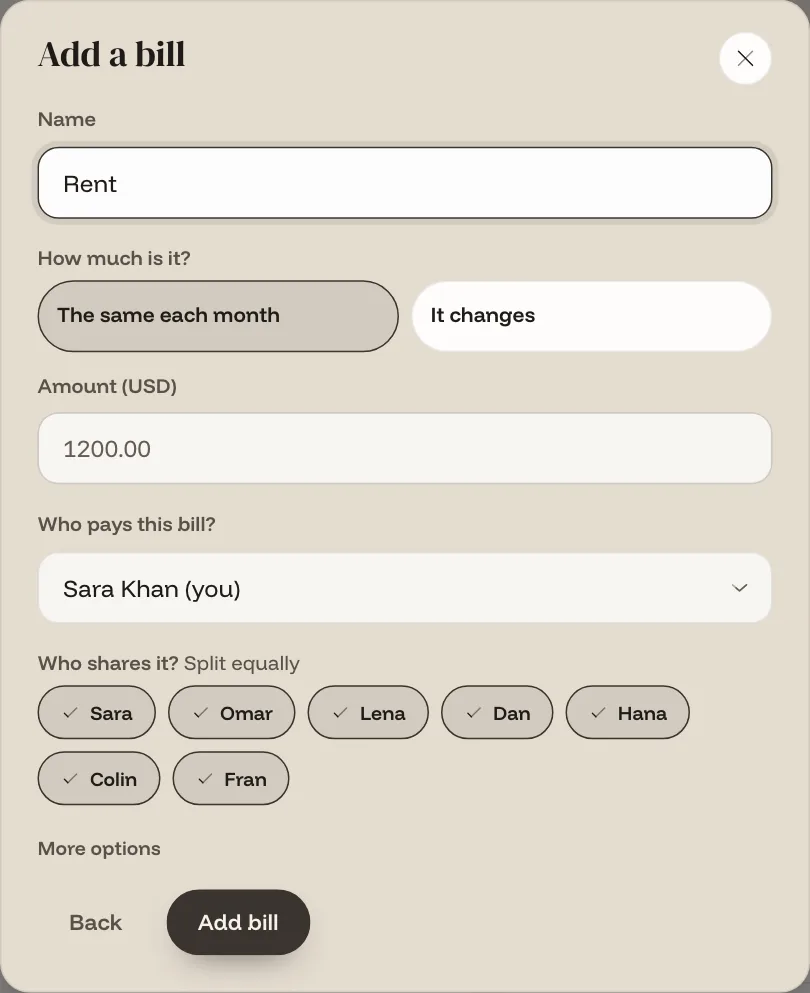
    The Add a bill form: name, amount, who pays and who shares it
  2. Everyone sees one amount

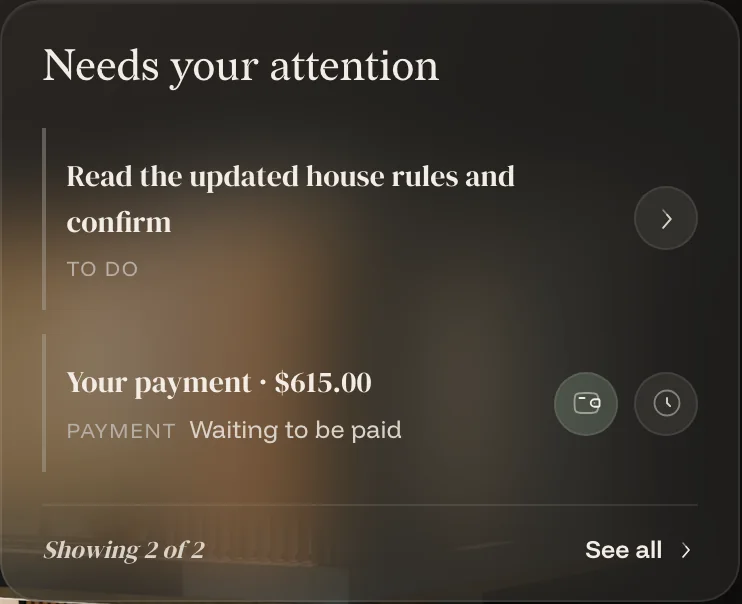
    Each person’s share of every bill is added up, less anything they paid for the house. That is the one amount they owe, and it is on their Today screen.

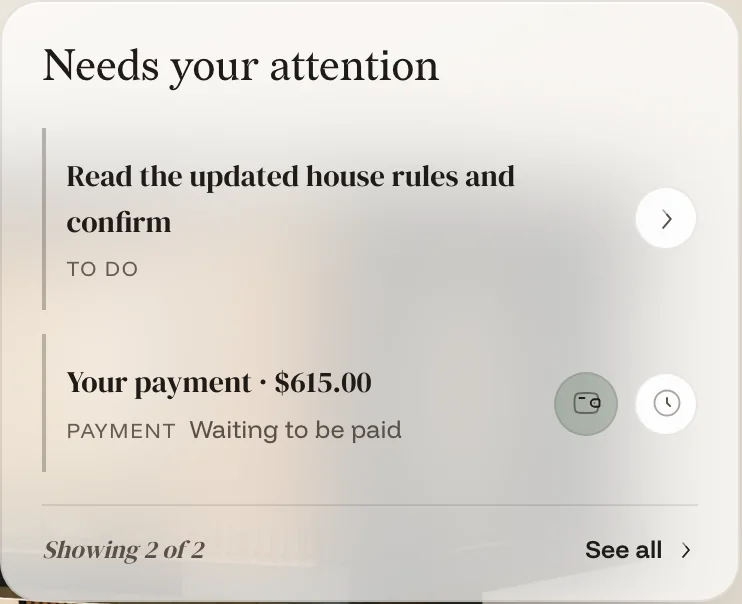
    Today shows a payment of $615.00 waiting to be paid
  3. Pay, tap, done

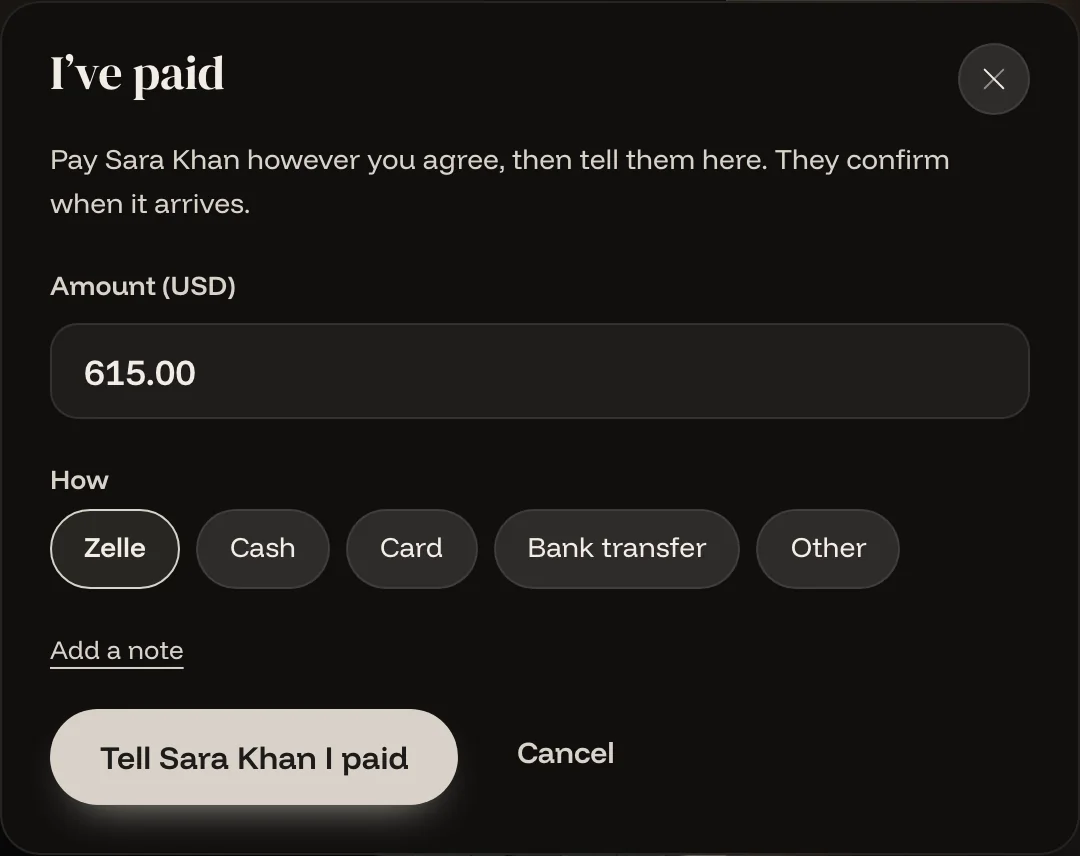
    Pay the person who collects, the way you normally do. Tap I’ve paid. They confirm it and your balance clears.

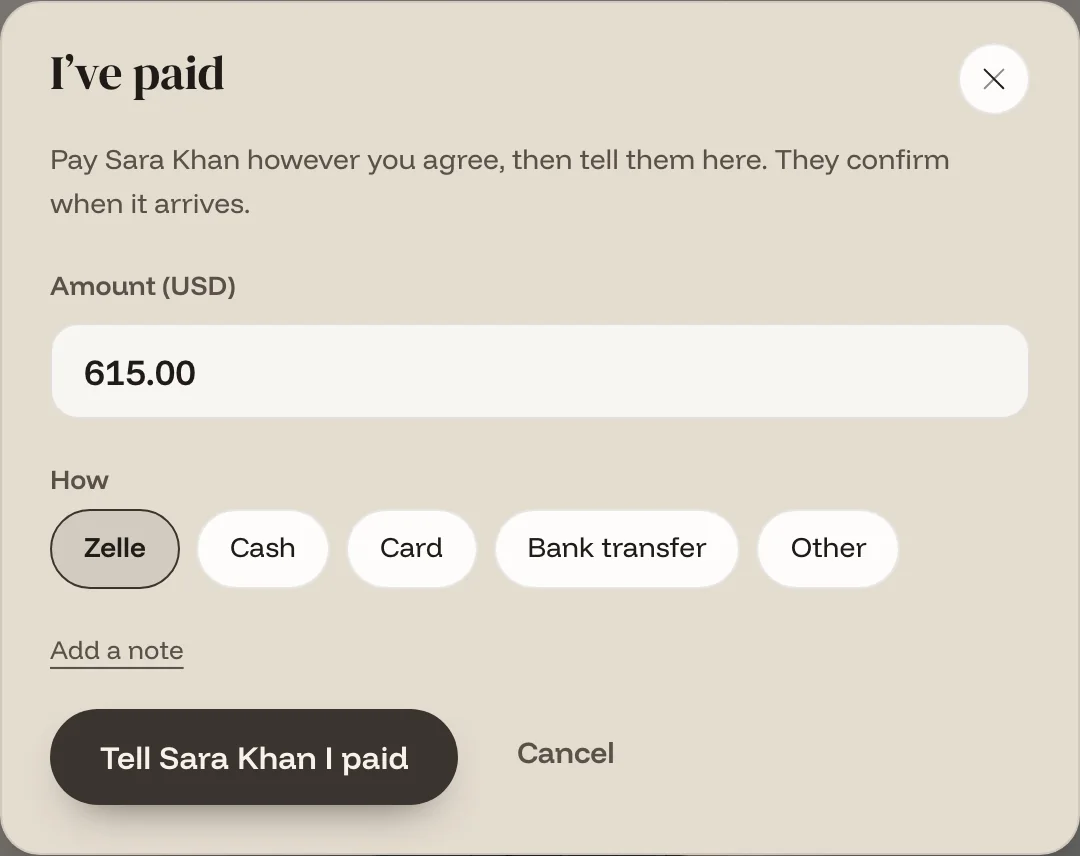
    The I’ve paid sheet: amount, how you paid, and a button to tell Sara

You pay one person, not five.

In most split apps, every bill turns into a debt between two people, and you settle each one separately. In Aurnis one person in the house collects. All the shares are added up first, so what you paid for the house comes off what you owe.

Omar’s month Example data

Rent, his share
$600.00
Internet, his share
$15.00
Electricity, his share
$29.60
Cleaning supplies, his share
$10.50
Cleaning supplies, paid by Omar
−$42.00
Omar pays Sara
$613.10

One payment, however many bills there were.

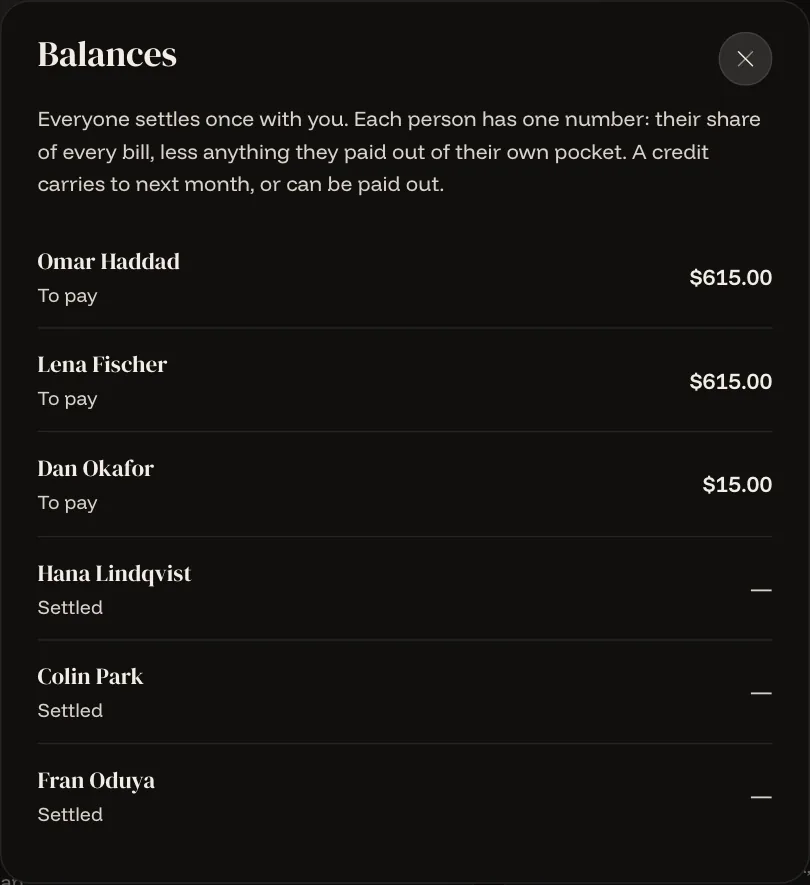
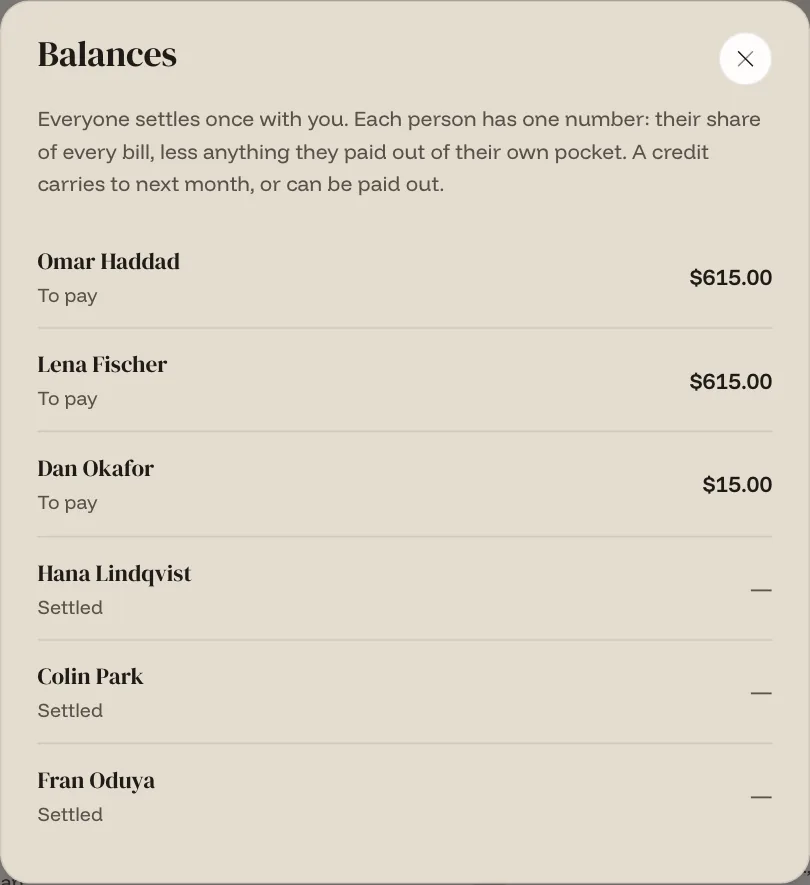
Sara, who collects, sees everyone's balance in one list
What the collector sees: one list, one number each. Example data.

More than bills

Every bill shows its work

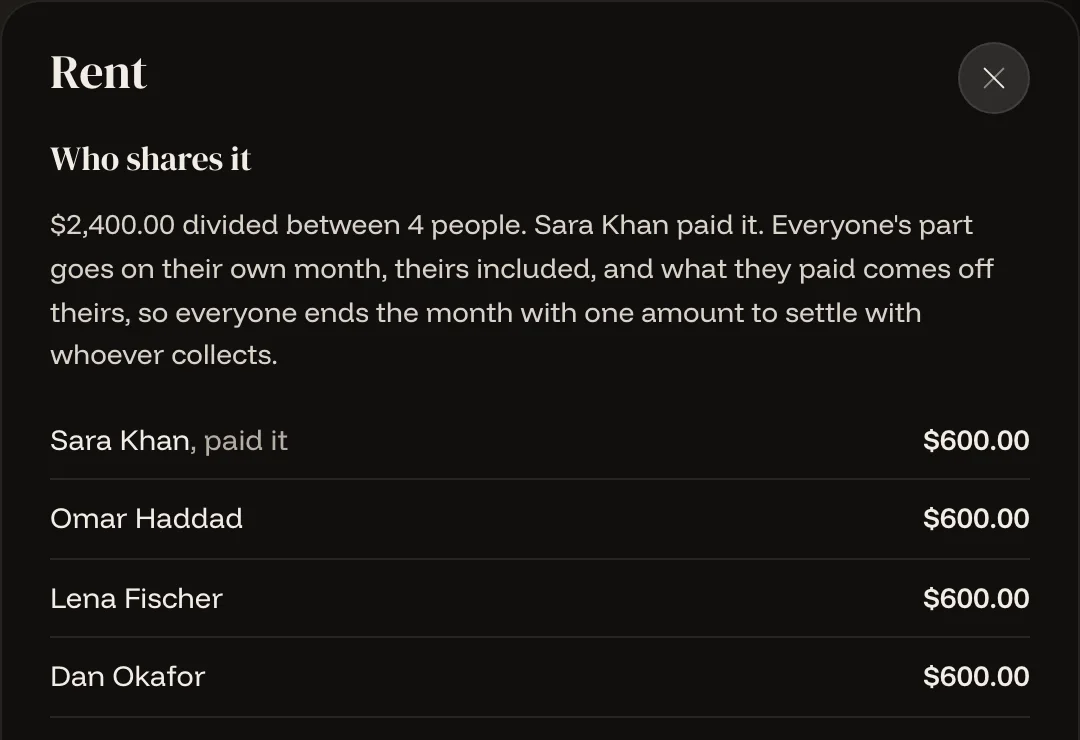
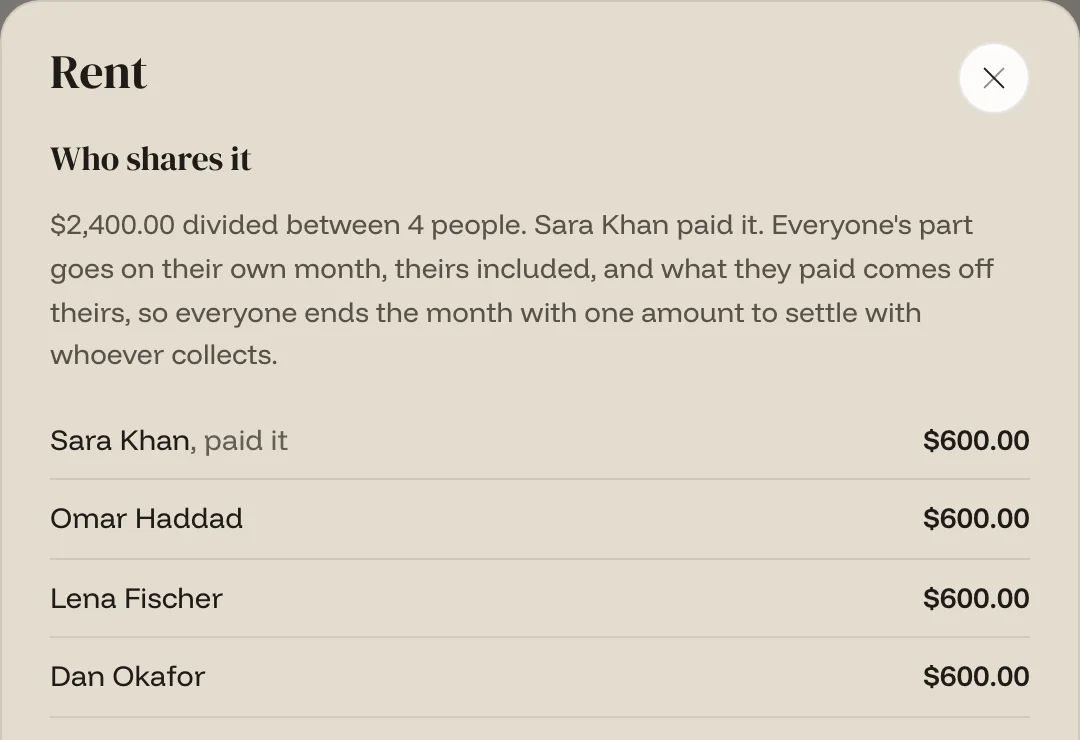
Tap a bill to see who shares it and what each person owes. Electricity changes every month: the person who gets the bill enters the amount, and the head of house approves it before it counts. Attach a photo of the receipt, and add earlier months if you moved in part-way through the year.

The rent bill: $2,400 divided between four people, $600 each, with Sara marked as having paid it

Chores that go round on their own

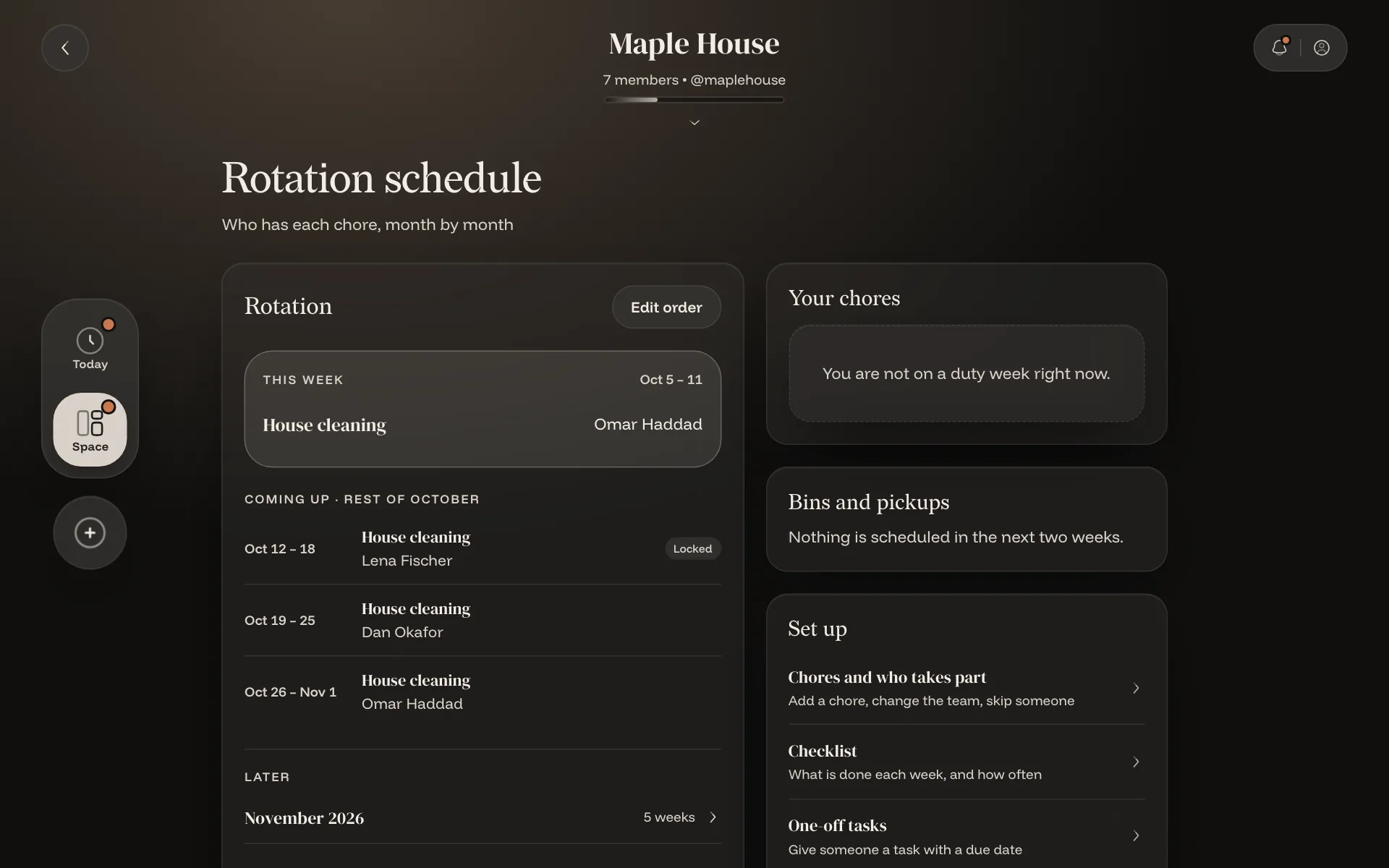
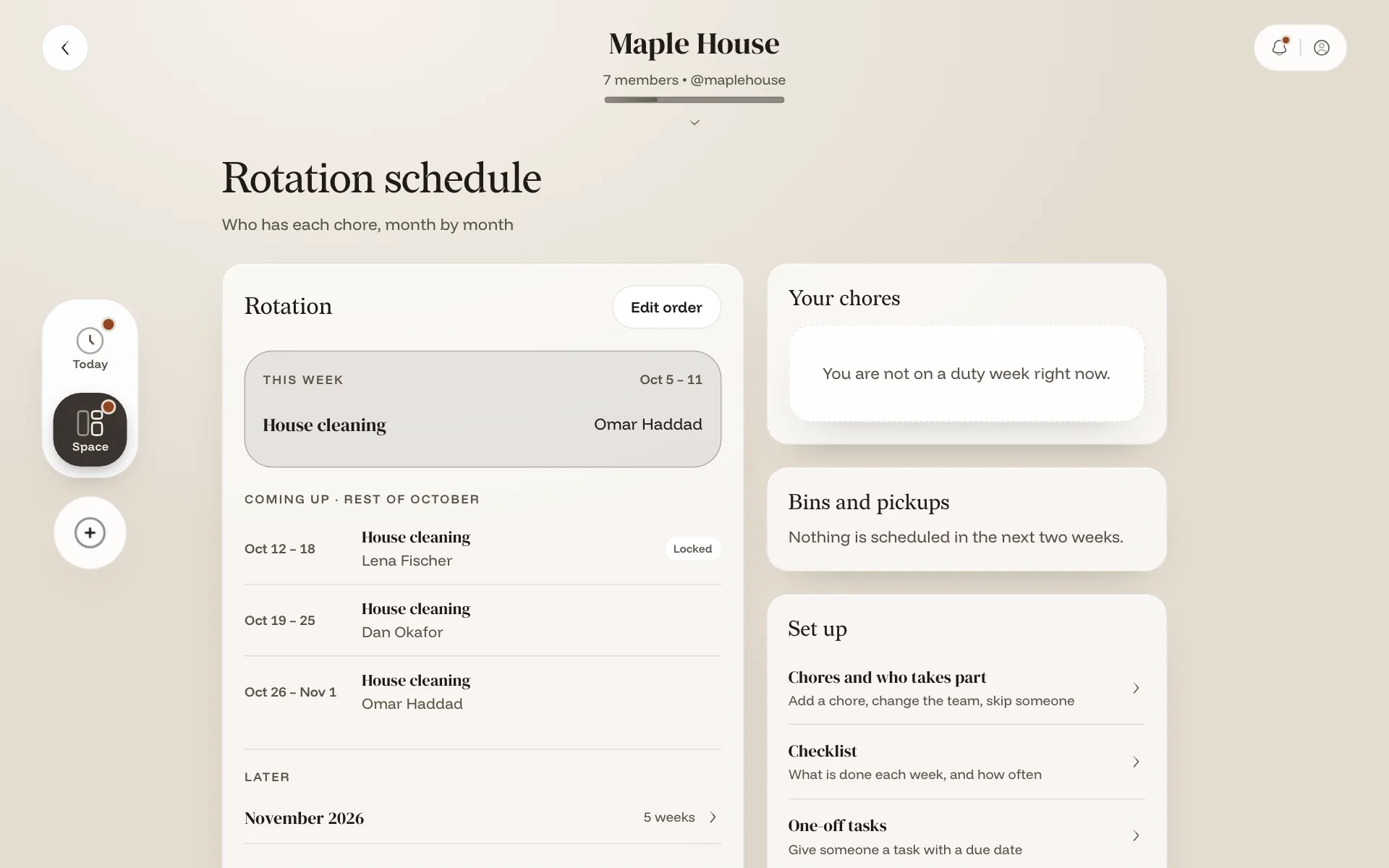
A weekly rota decides who is next. Swap a week, ask for a photo as proof if you want one, and see whose turn it is for the bins. Fines are always a decision a person makes, never automatic.

The rotation schedule: this week and the weeks ahead, with who has each chore

One shopping list for the house

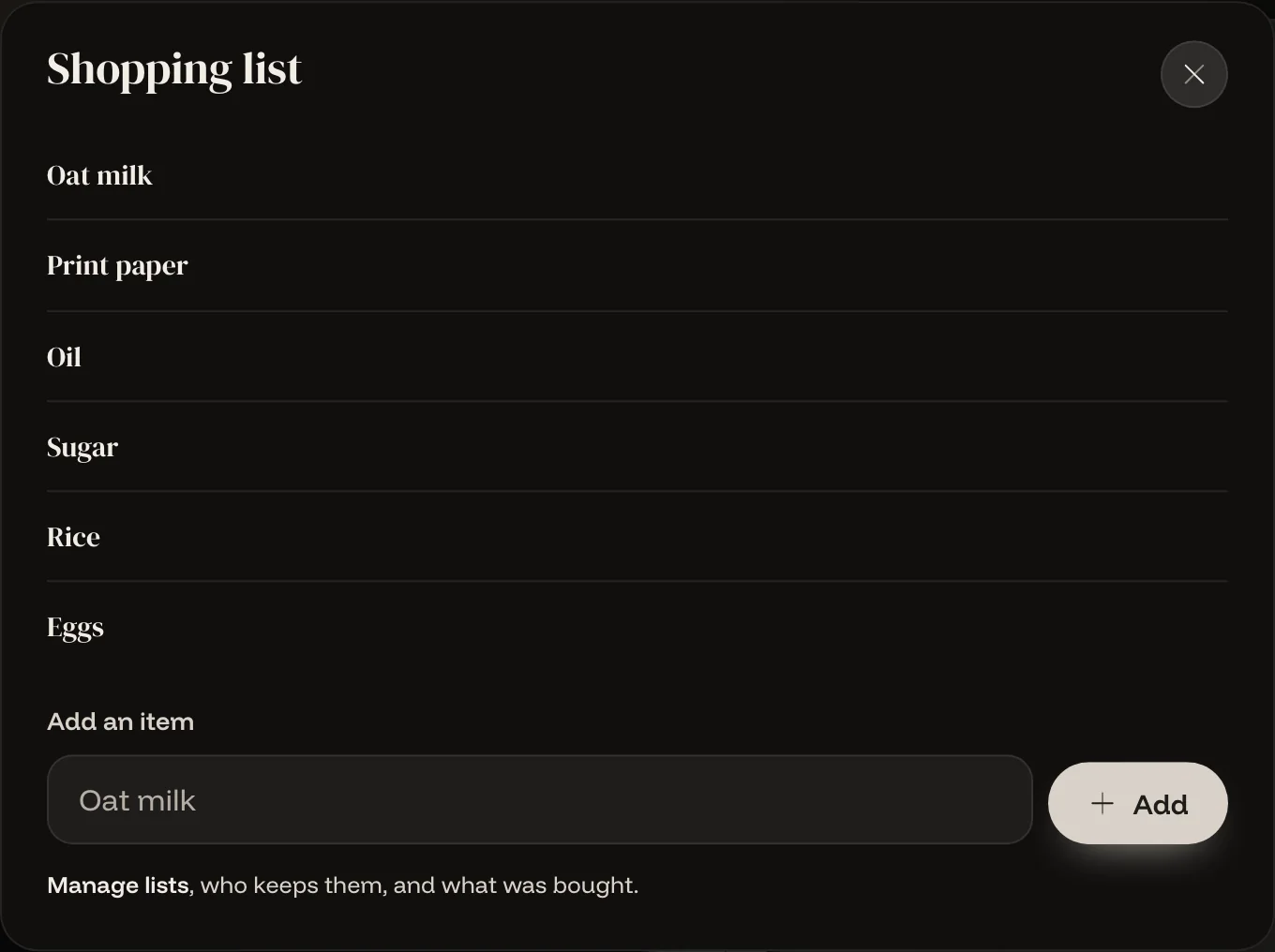
Anyone adds what is needed. Whoever is doing the shop sees the list on their Today screen and ticks things off. House rules sit next to it, and everyone confirms them before they join in.

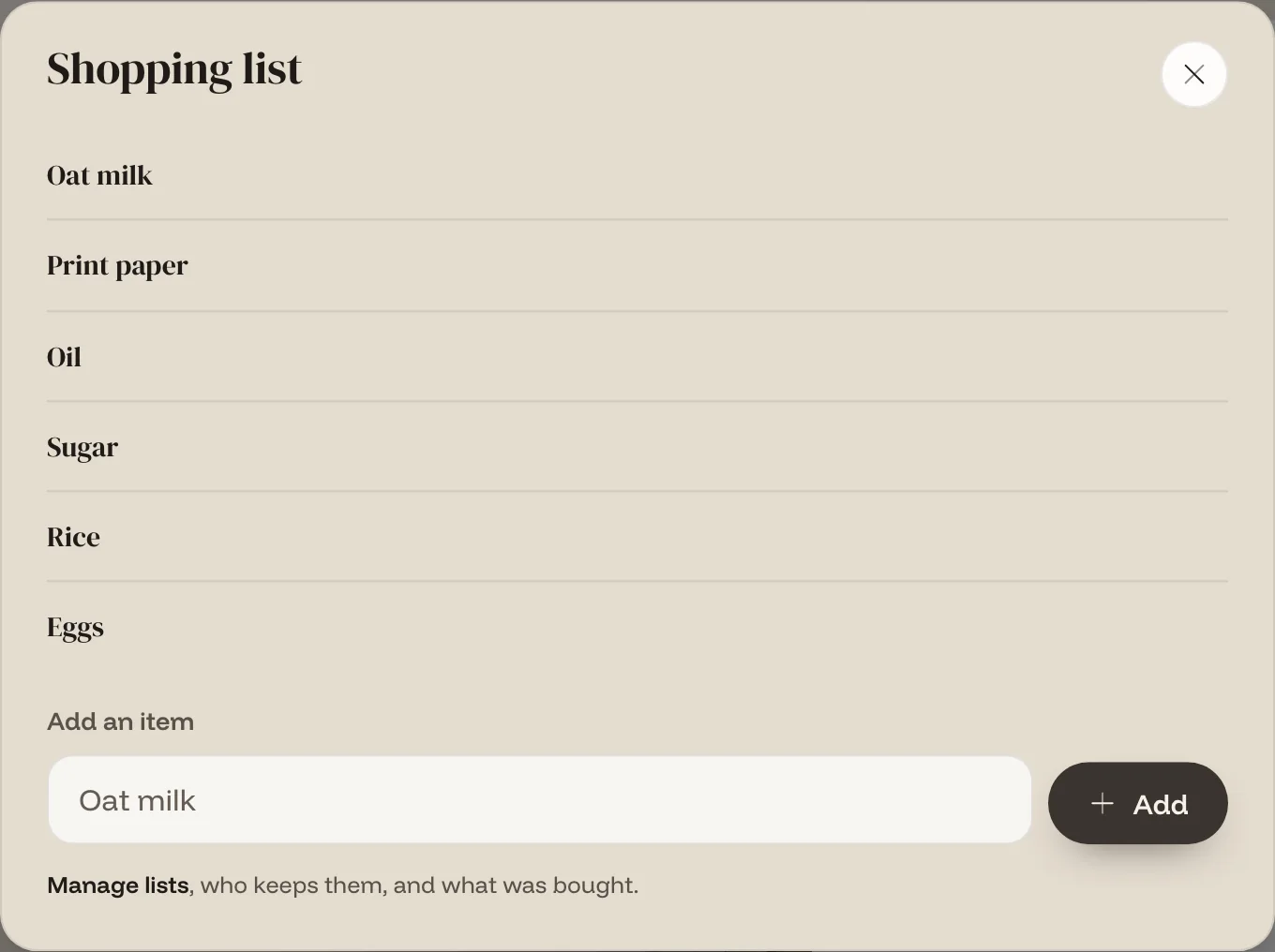
The shopping list: oat milk, print paper, oil, sugar, rice, eggs
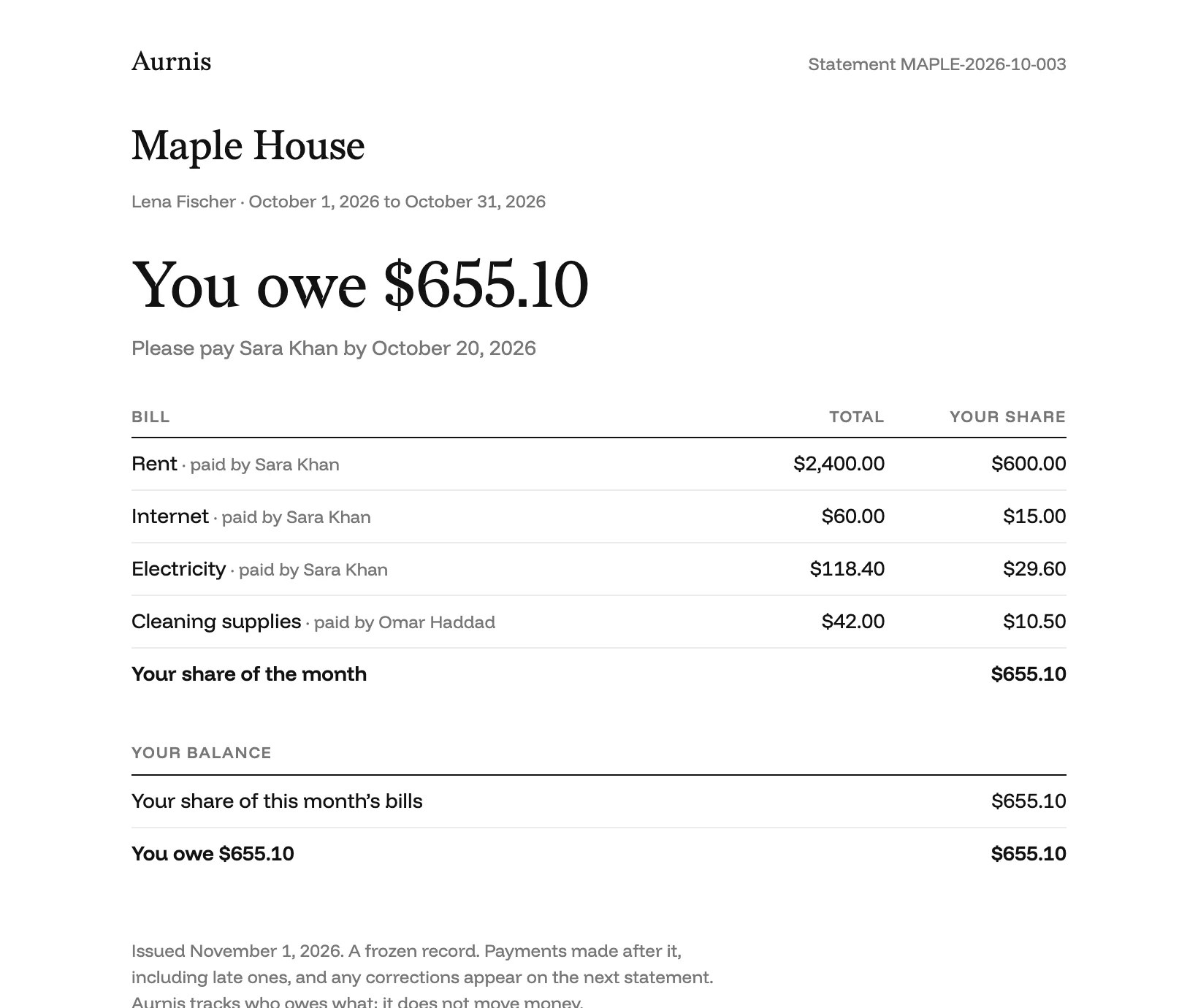
A one-page statement for Lena: October bills, her share of each, and 'You owe $655.10'
A statement. Example data.

A record anyone can read

Each statement lists the bills, your share of each one, what you paid and what you owe. It fits on a page, saves as a PDF, and does not change once it is issued.

  • Plain wording, no accounting terms.
  • A payment made later, even a late one, goes on the next statement.
  • The person collecting also gets a page that shows everyone at a glance.

See it before you sign up

Walk through Maple House, an example home with seven people, a month of bills, a chore rotation and a shopping list. Nothing to sign up for, and nothing you do can change it.

Who it is for

Flatmates

Four people, one lease. Rent and bills are split every month, the chores rotate, and nobody keeps the spreadsheet.

Families

The adults run the money. Everyone else sees their own chores and the house rules.

Trips and groups

Add expenses as they happen and settle once at the end. No chores, no rota, just the money.

Private, and yours to take away

You see what concerns you

Your own amount, chores and notices. The people running the house see the rest. The database enforces this; the screen does not just hide things.

Roles that match a house

An owner, a head of house, a collector, a chore manager and members, each with the access the job needs and no more.

Your data is yours

Download everything you have in Aurnis whenever you like. Delete your account and you have 30 days to change your mind.

Free to start

A small home can stay on the free plan. Larger households and a few extras will need a paid plan. Prices are not set yet, and nothing is charged during early access.

Get early access

Questions

The things people ask first.

Does Aurnis move our money?

No. Aurnis keeps the record. You pay each other the way you already do, by bank transfer, cash or anything else, and Aurnis tracks what is owed and what has been paid. It never holds or moves money, and never asks for card or bank details.

Who collects the money?

One person in the house, called the collector. If nobody is named, it is the owner. Everyone pays that one person, and the collector confirms each payment when it arrives. People do not pay each other.

What if I paid a bill myself?

It comes off your amount. If you paid more than your share, you have a credit. The credit carries into next month, or the collector can pay it out.

Who can see what?

Each person sees their own amount, chores and notices. The owner, head of house and collector also see what they need to run the house, such as who has paid. Access is enforced in the database.

Does it work on a phone?

Yes. Aurnis runs in your browser and installs to your home screen like an app, with notifications. On iPhone, add it to your Home Screen first so notifications can reach you. It supports nine currencies, one per space, and native apps are planned.

What does it cost?

It is free to start, and a small home can stay on the free plan. Larger households and a few extras will need a paid plan. Prices are not set yet and nothing is charged during early access.

When can I use it?

Leave your email and we will write to you when your spot is ready. We only email you about access. Until then you can look around an example house without signing up.

Get early access